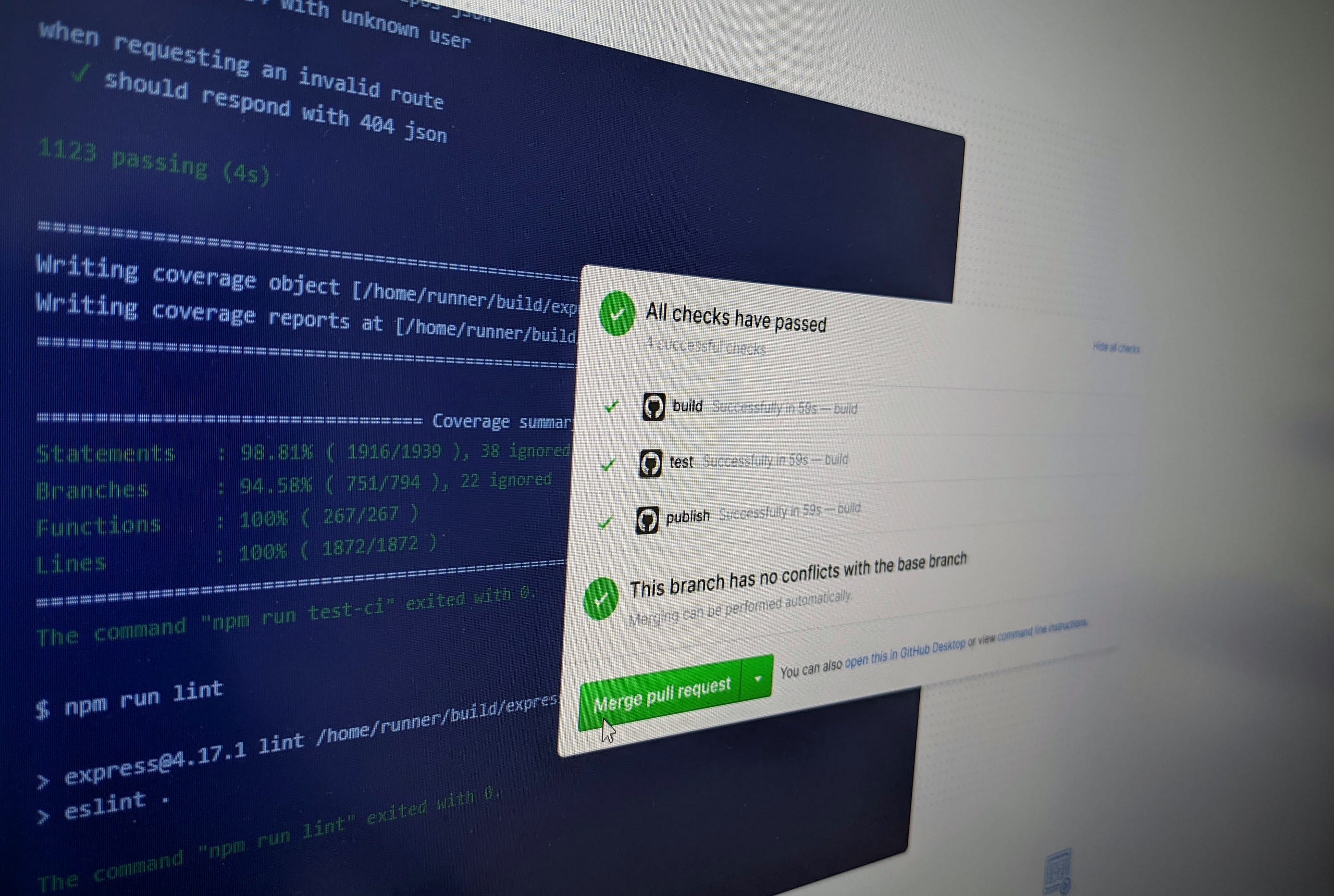
GitHub Actions Continuous Integration (CI) Workflow
On April 14th, 2020 GitHub announced a major change in their plans to allow free private repositories. It’s a good time to make use of their free CI/CD known as “Actions”. Private repositories have 2000mins/month and public repositories have unlimited minutes (see pricing).
This is a quick write-up on how you can leverage Actions CI Workflow to do any task using supported node.js modules from npm.
NOTE: If you are new to GitHub Actions, I highly recommend reading their ‘Getting Started’ guide first.
The concept is simple, you set up a node environment on CI machine, install required CLI-based node modules, and run your tests.
NOTE: Use node package manager portal at npmjs.com to find your node-module to run on GitHub Actions CI job.
Use case #1: Use XML Validator module to validate XML. See workflow file.
- name: Setup NodeJS
  uses: actions/setup-node@v1
  with:
    node-version: 12.x

- name: Install XML Validator
  run: npm install -g fast-xml-parser
- name: Validate AndroidManifest.xml
  run: xml2js -V app/src/main/AndroidManifest.xml
Use case #2: Validate JSON file using JSON-Schema specification (source).
- name: Setup NodeJS
  uses: actions/setup-node@v1
  with:
    node-version: 12.x
- run: npm install -g ajv-cli
- run: ajv validate -s photos-schema.json -d photos.jsonThat’s it, now you have your own workflow to validate or do other tasks on GitHub repository.