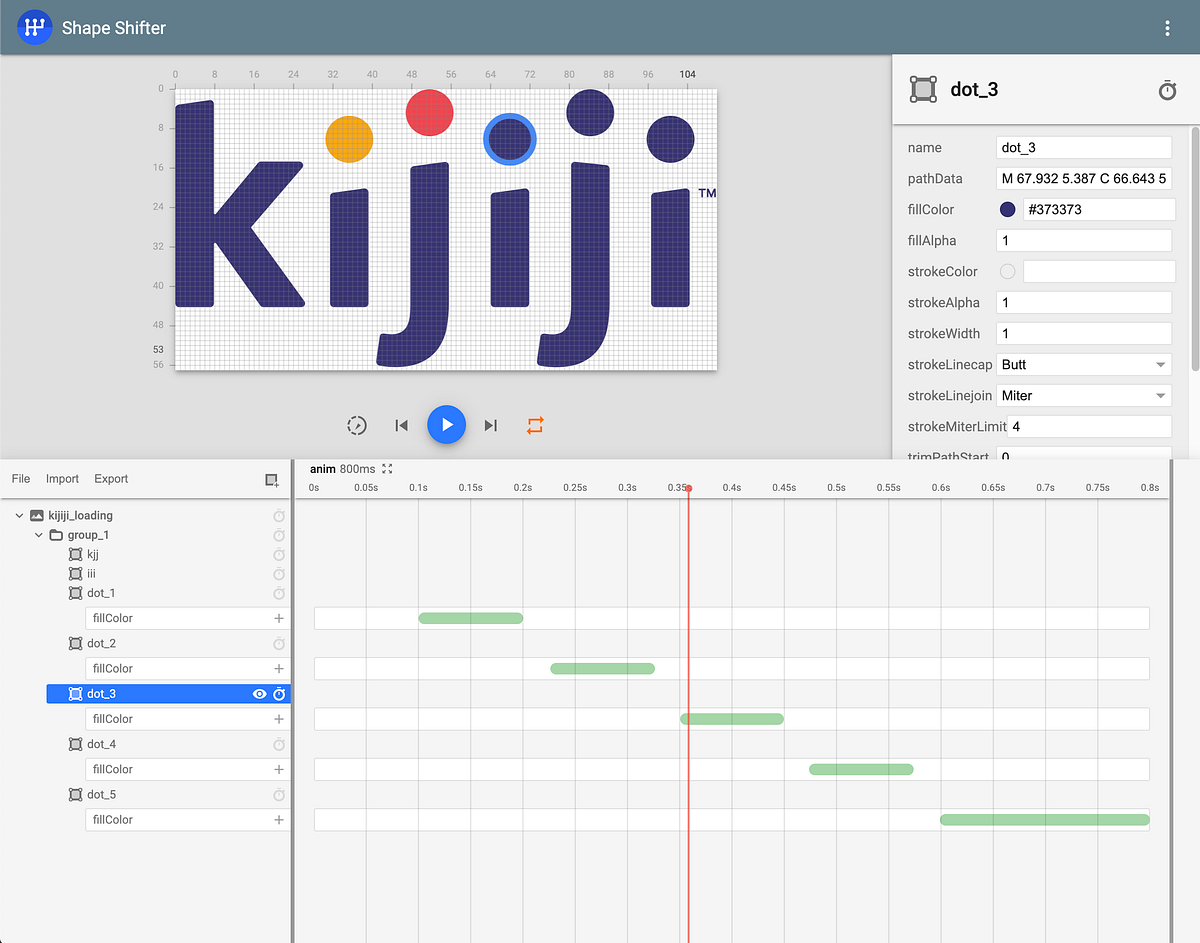
Preview of https://shapeshifter.design/ editing animated vector drawable (AVD).
Android’s ProgressBar widget comes with a lot of customization controls and flexibility to set custom animated drawable. However, setting AnimatedVectorDrawable is not one of the options.
So, this is a quick trick on how to use custom ImageView to create indeterminate progress indicator using Animated Vector Drawable (AVD).
class AvdLoadingProgressBar @JvmOverloads constructor(
    context: Context,
    attrs: AttributeSet? = null,
    defStyleAttr: Int = 0
) : AppCompatImageView(context, attrs, defStyleAttr) {
    private val avd = AnimatedVectorDrawableCompat.create(context, R.drawable.avd_anim)!!

    init {
        setImageDrawable(avd)
        avd.registerAnimationCallback(object : Animatable2Compat.AnimationCallback() {
            override fun onAnimationEnd(drawable: Drawable?) {
                post { avd.start() }
            }
        })
        avd.start()
    }
}
Here is more verbose Gist version of the snippet above
NOTE: The idea of repeated indefinite AVD is heavily borrowed from Nick Butcher’s medium article on AVD. I highly recommend you read them to know more tips and tricks with AVD.
That’s it. You can now use this in your layout as usual view and show it when data is loading from network or any long running async request is happening.
<androidx.constraintlayout.widget.ConstraintLayout>
  <dev.hossain.avdprogress.AvdLoadingProgressBar
    android:layout_width="wrap_content"
    android:layout_height="wrap_content"
    app:srcCompat="@drawable/avd_anim_kijiji_loading" />
</androidx.constraintlayout.widget.ConstraintLayout>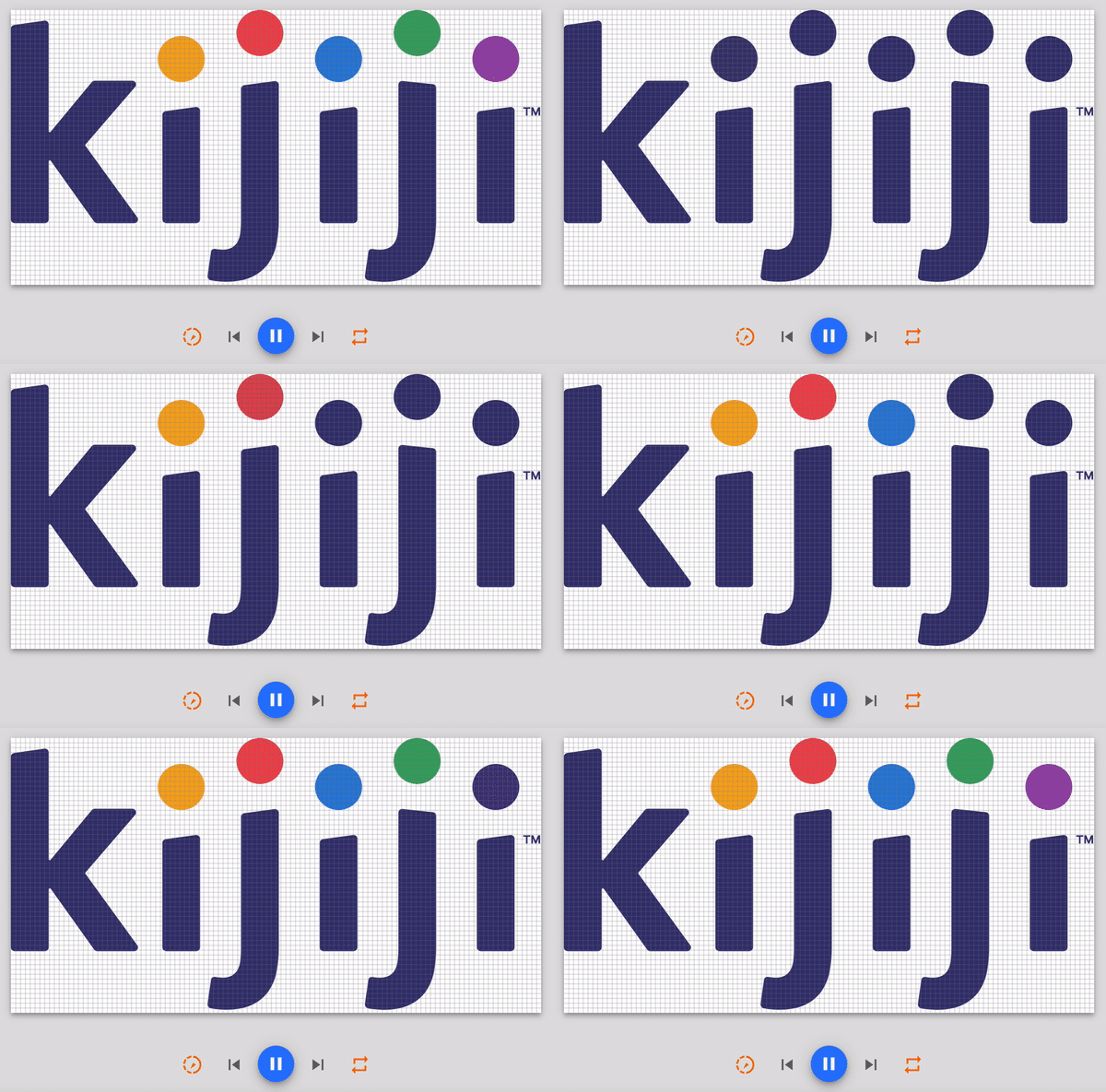
Here is preview of the AVD in https://shapeshifter.design/
Further reading
Animation: Jump-through — Recently a call for help caught my eye; asking how to implement a fancy ‘getting location’ animation on Android: Re-animation — In a previous article, I described a technique for creating vector animations on Android: